
Computing Department
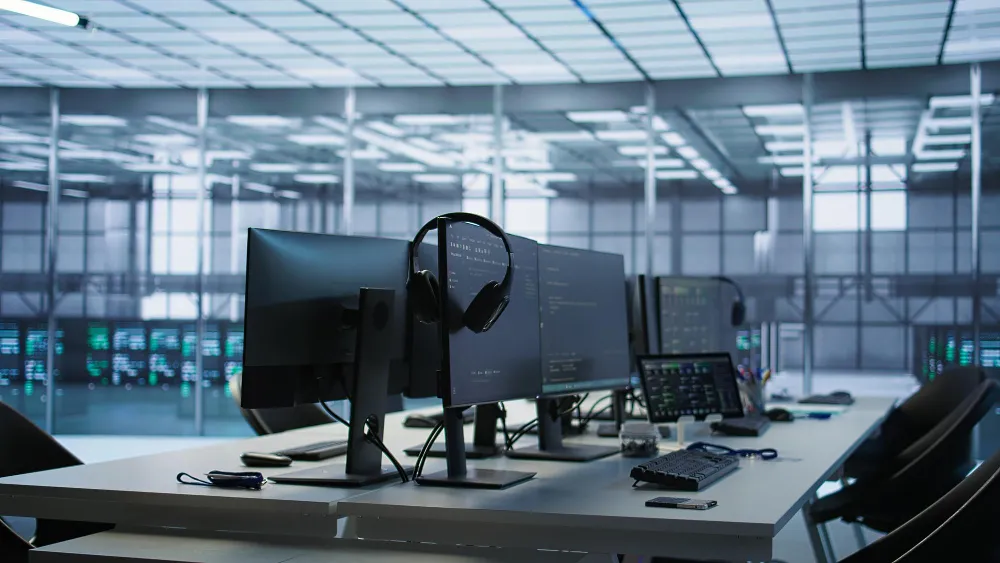
Driving Digital Excellence at HUC
The Computing Department is the backbone of HUC's technology ecosystem. We manage networks, web services, servers, SharePoint, and an indigenous Campus ERP that seamlessly connects every department. Our mission: keep technology accessible, reliable, and future-ready — so the HUC community can focus on what matters most.
Goals
Five clear priorities guide everything we do at the Computing Department:
01
Plan, design, procure & maintain adequate technological resources for the campus community.
04
Provide need-based training on acquired technological resources for all users.
02
Secure computing infrastructure and ensure regular, reliable data backups.
05
Ensure optimal use of computing resources through a continuous audit process.
03
Develop and upgrade ERP, Mobile Apps, SharePoint, LMS & Document Management Systems.
Learning Facilities
State-of-the-art spaces and tools designed to enhance every learning experience.
BYOD Classrooms
25 fully equipped classrooms with AV systems and high-speed internet. Students bring their own devices to access LMS, online quizzes, SCORM content, and digital attendance — seamlessly blending physical and digital learning.
Computer Laboratories
12 labs housing approximately 280 computers with varied configurations to match curriculum needs. All systems are multimedia-enabled with full internet access and regularly updated for uninterrupted student use.
Print & Copy Centre
Heavy-duty photocopiers and printers available across campus for color printing, photocopying, and scanning — ensuring students always have what they need for coursework.
IT Services
A comprehensive suite of services keeping the HUC community connected, productive, and secure.
Internet Services
Enjoy blazing-fast 3.6 Gbps fiber internet distributed across classrooms, labs, the library, and common areas — free of charge, 24/7. Cloud-based Office 365 mail extends communication for all stakeholders.
Networking & Intranet
A high-speed fiber backbone powers HUC's entire campus network. Faculty and students can securely store study materials on an internal file server. HUC operates two data centers — one on-premise and one on Etisalat Data Center.
LMS Portal (Moodle)
Students access a rich portal for attendance, grades, course materials, SCORM content, e-books, quizzes, advising schedules, and more — all with individual credentials. Faculty must share materials in compliance with UAE Intellectual Property Rights law.
Mobile App (Android & iOS)
The HUC Mobile App gives students on-the-go access to attendance, grades, course syllabi, assignments, quizzes, and real-time notifications — available on both Android and iOS platforms.
Microsoft Teams
HUC's collaboration hub. Students join online classes, submit assignments, request meetings, and access recorded sessions. Compatible across desktop and mobile devices using institutional credentials.
HUC Email (Office 365)
Every faculty and staff member receives a dedicated Microsoft 365 email account (firstname.lastname@hu.ac.ae for faculty; role-based addresses for HODs and staff). Students use their personal email, updatable monthly via the portal.
Turnitin Plagiarism Detection
Integrated into the LMS, Turnitin helps faculty identify plagiarism in submitted work. Students should note that each submission is final — resubmission is not permitted — so work must be verified as original before upload.
Telephone & Communication
Faculty and staff receive PABX-linked desk extensions. Approved staff — including marketing, heads of departments, and PRO — receive official mobile connections and Walkie-Talkie devices for seamless campus coordination.
Technical Support & Software
All IT helpdesk requests are handled via calls, email. The Software Centre develops in-house applications, manages portal services, oversees outsourced projects, and audits the website, portal, and FAQs monthly.
Computer Lab Hours
Plan your sessions around our lab schedule. Labs are open across the week, including weekends.
| Day | Morning / Afternoon | Evening Session |
|---|---|---|
| Monday – Thursday | 09:00 AM – 2:00 PM | 5:30 PM – 10:00 PM |
| Friday | — | 2:30 PM – 10:00 PM |
| Saturday | 09:00 AM – 5:00 PM | — |
Network Usage Policy
Connecting to HUC's network means agreeing to use it responsibly. Here's what you need to know.
Any personal Wi-Fi (802.11 b/g) enabled device may connect to the student wireless network. Only connect with devices you personally own.
FAQs
The purpose of the computer and network usage policy is to plan, implement & maintain IT infrastructure to support the academic and academic support service departments in providing teaching, learning, research and departments to extend services to the HUC community. This usage policy codifies what is considered appropriate usage of computers and networks within HUC and determines the rights and responsibility of the users and the Computing Department.
- Regulations for using Information Resources
- Modification or Removal of IT Equipment
- Access and Use of Other's ID
- Repro-graphics
- Reporting Problems
- Monitoring
- De-activation of Cyberoam ID
- Smart Classroom